Integrate Meta Ads Platform
What You’ll Need
- "Manage Integrations Access" in the Fibr Dashboard
- A valid Meta Ads account
- Admin access in the Meta Ads Account
Step-by-Step Integration Guide
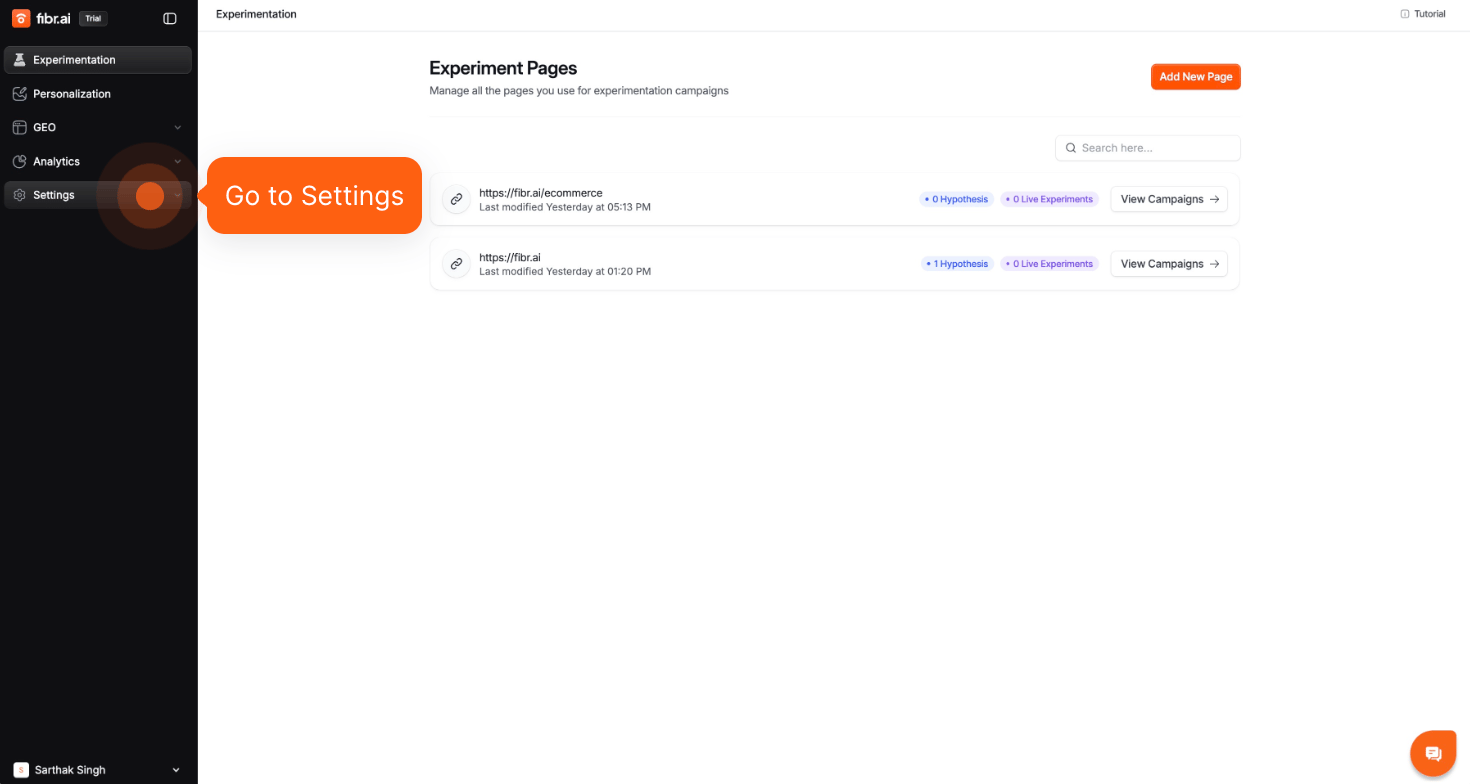
Go to Settings on the Fibr Dashboard
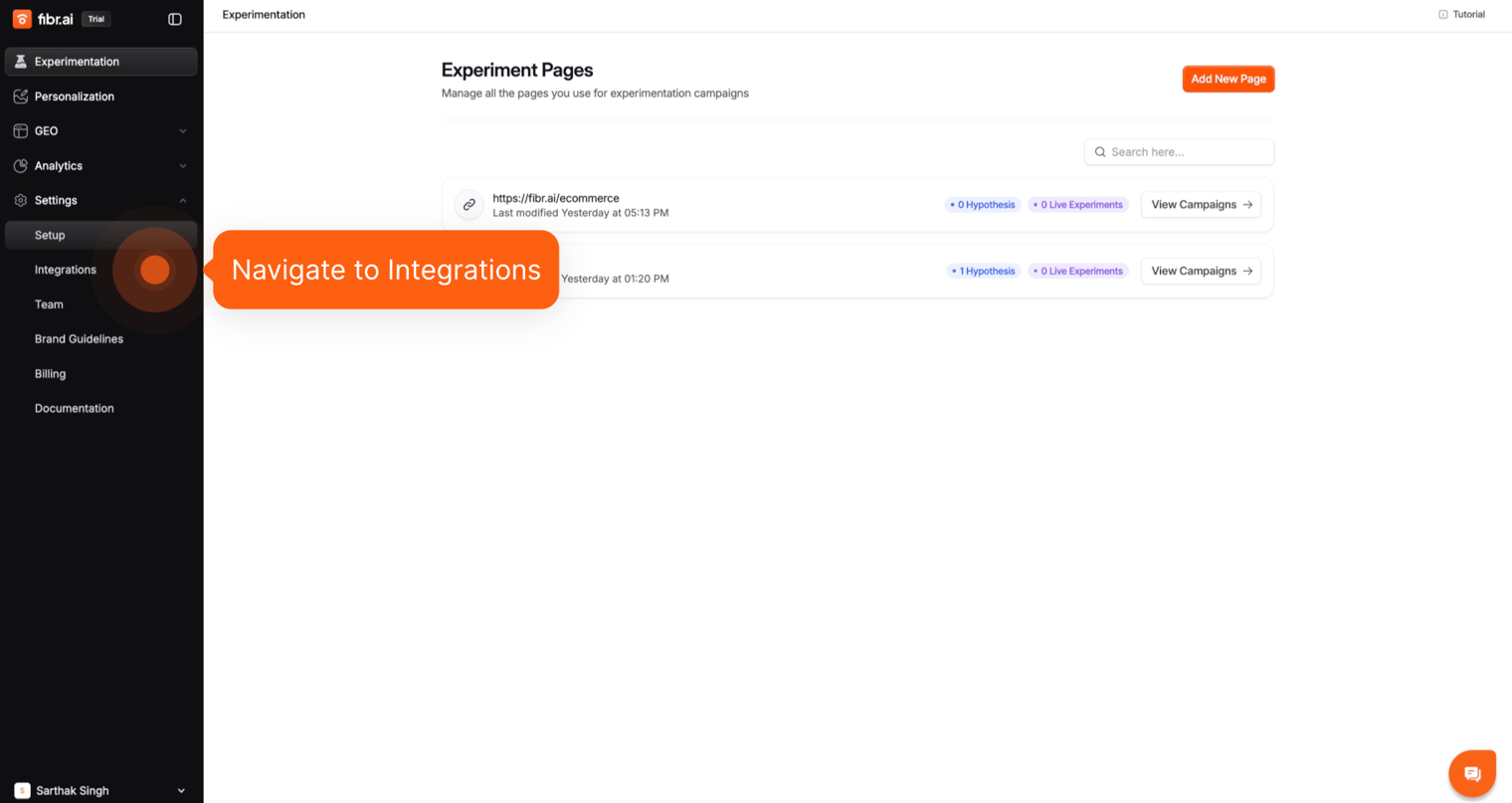
Navigate to Integrations.
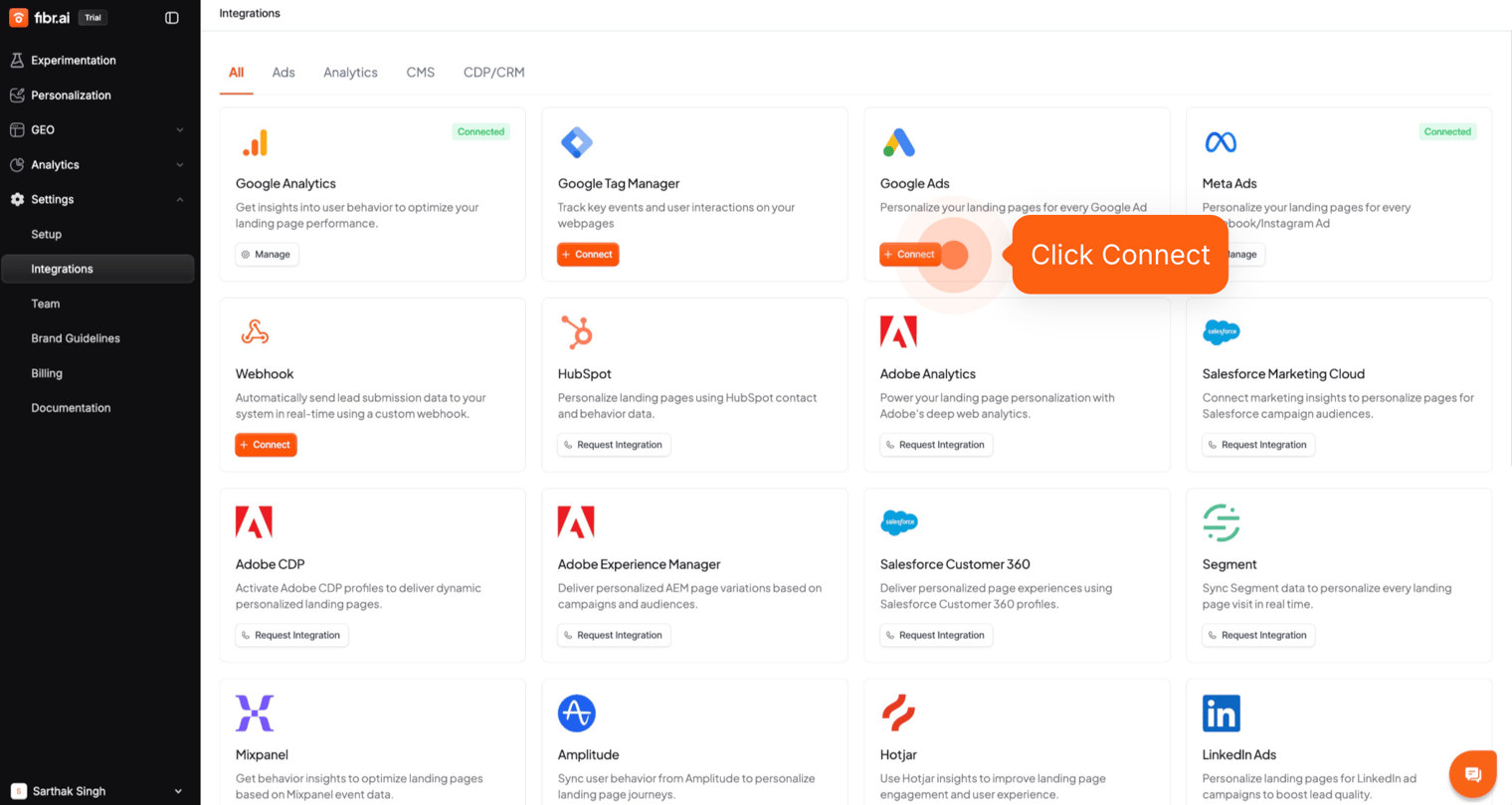
Navigate to the Meta Ads card and click on Connect.
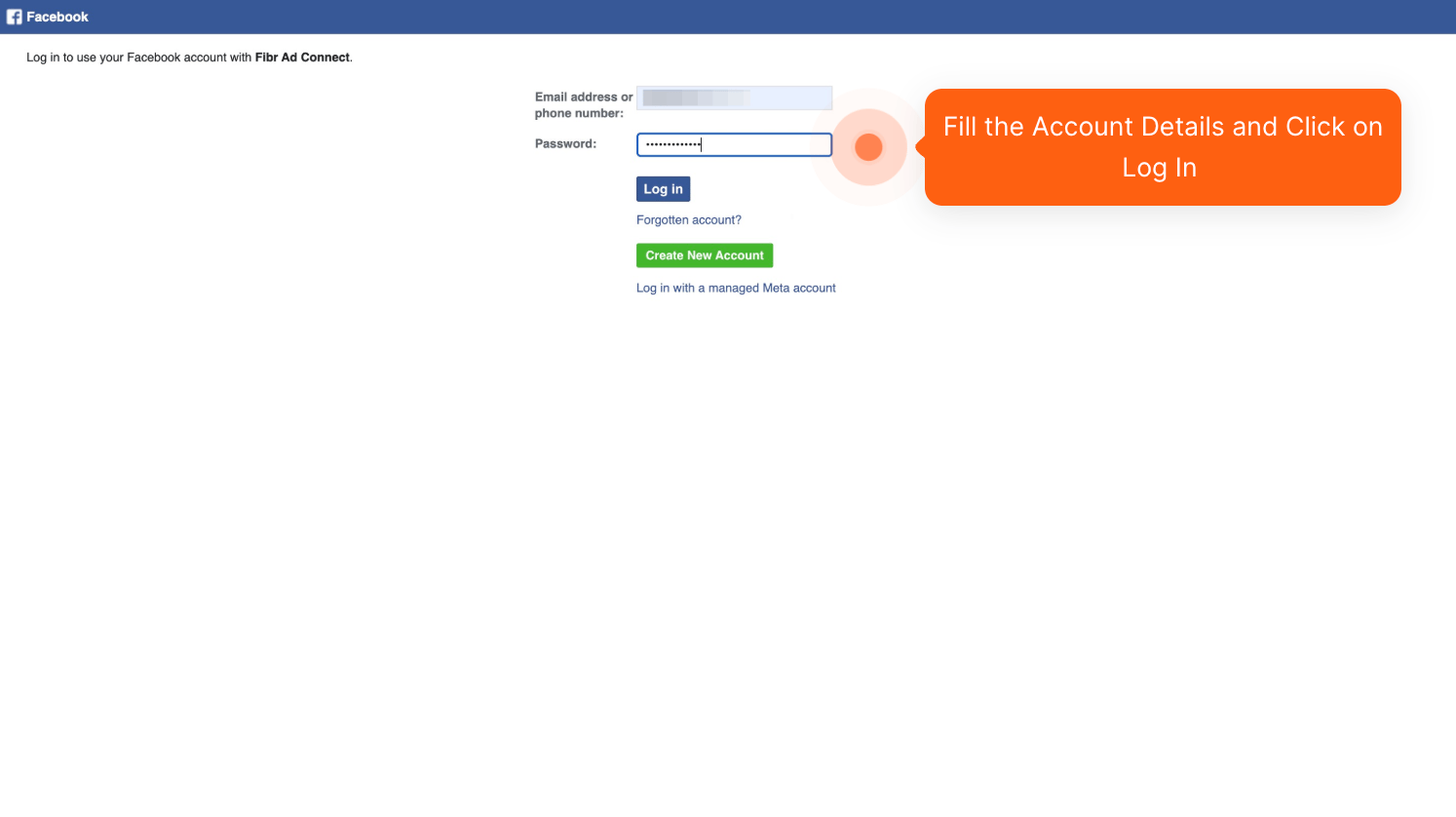
Sign in to your Meta Ad account through Fibr Ad Connect.
This method uses
OAuth 2.0 Authorization Code Flow, a secure industry-standard process. Your credentials are never shared with Fibr, and the integration adheres strictly to Meta’s platform policies and user data protections.
Select the Account ID and Name
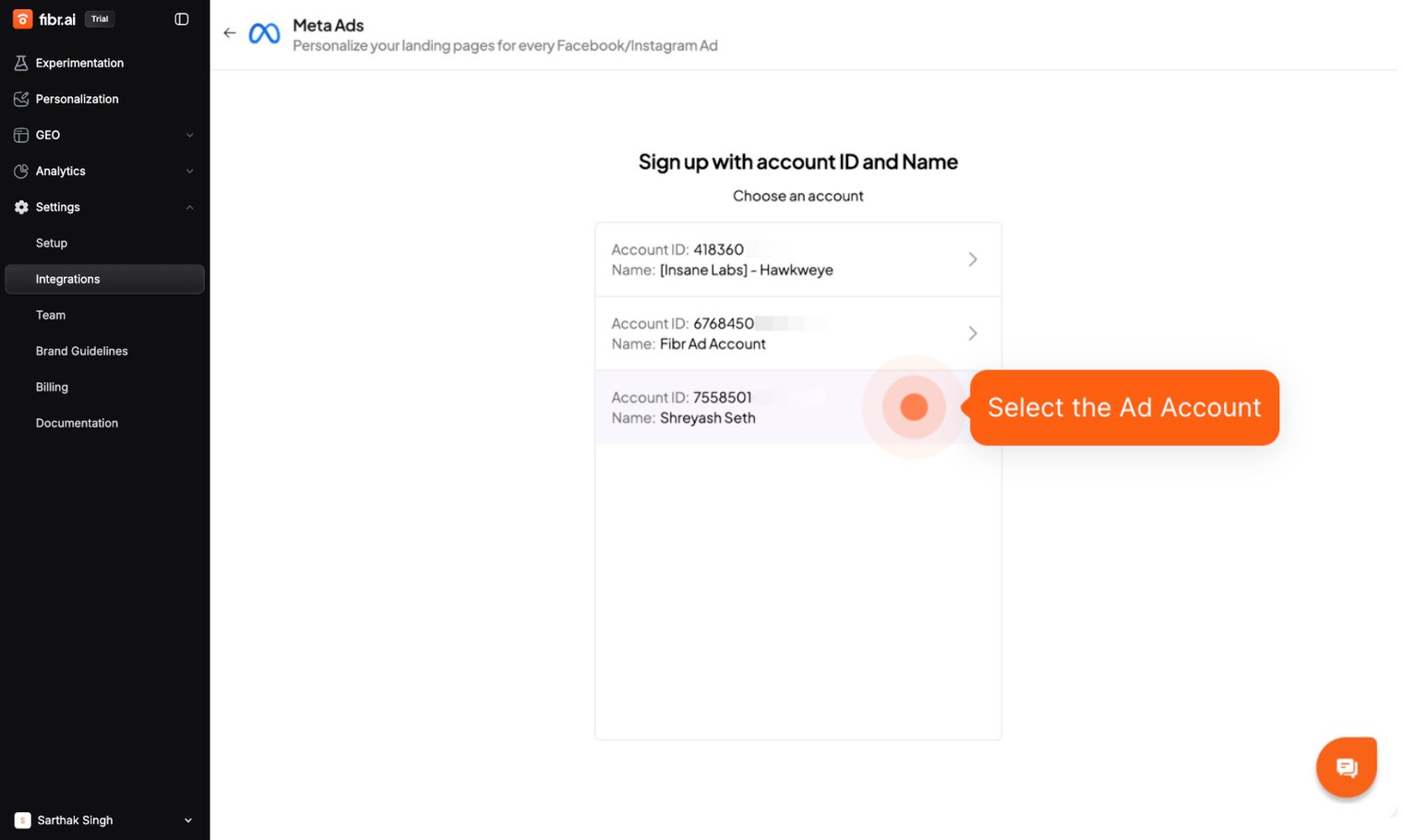
The Sync takes several minutes to be completed depending on the number of campaigns selected.
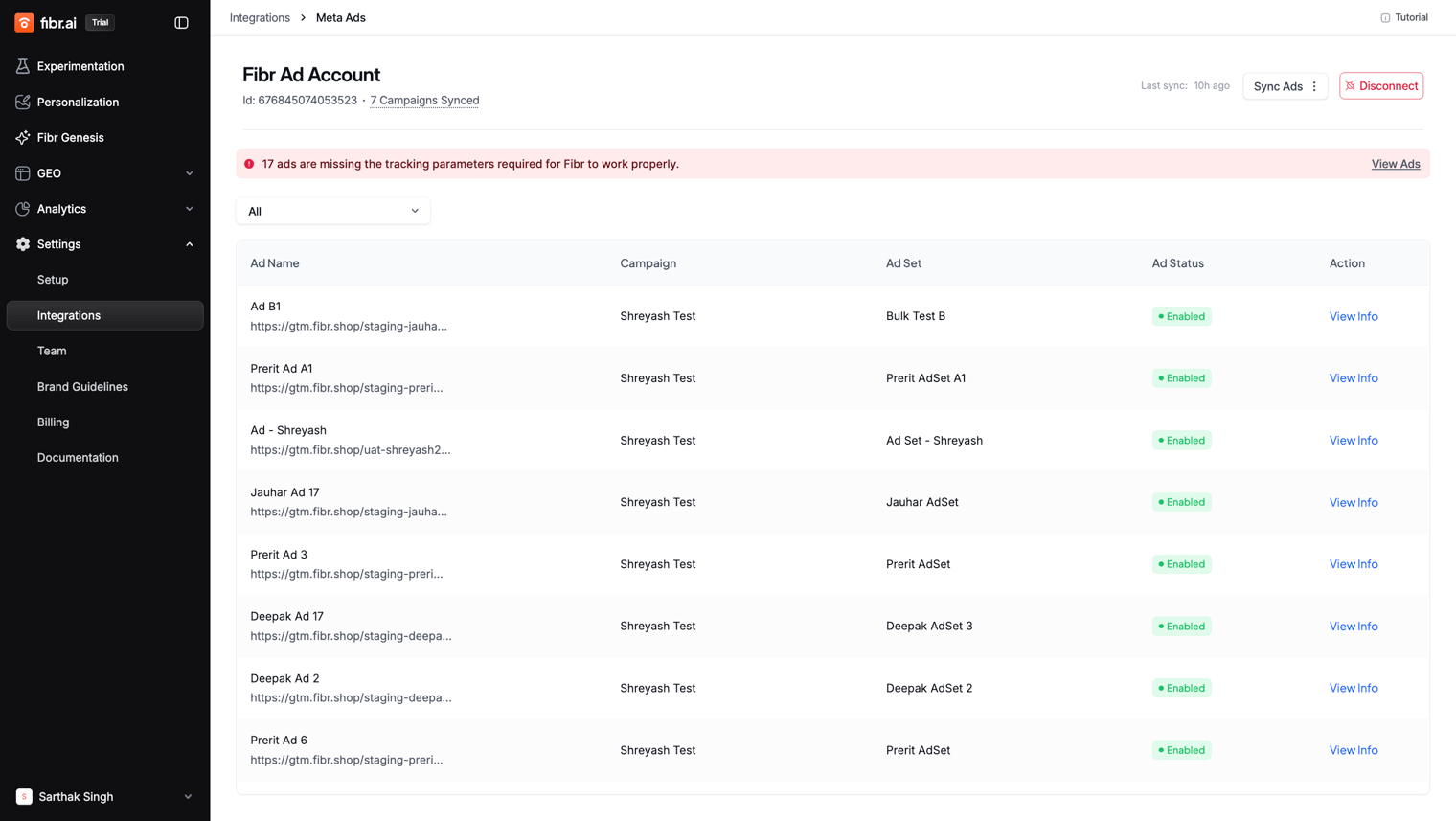
If your ads tracking parameters are not aligned with Fibr requirements, you will get an error saying "Ads are missing tracking template". To fix the error, please click here.
If you make any changes to your Google Ads, return to the dashboard and click on the "Sync Ads" button to refresh the data from the Meta Ads account.